Hacker101 - Postbook
This CTF are provider by Hacker101 with easy difficulty. It have 7 flags to find.
Reconnaissance
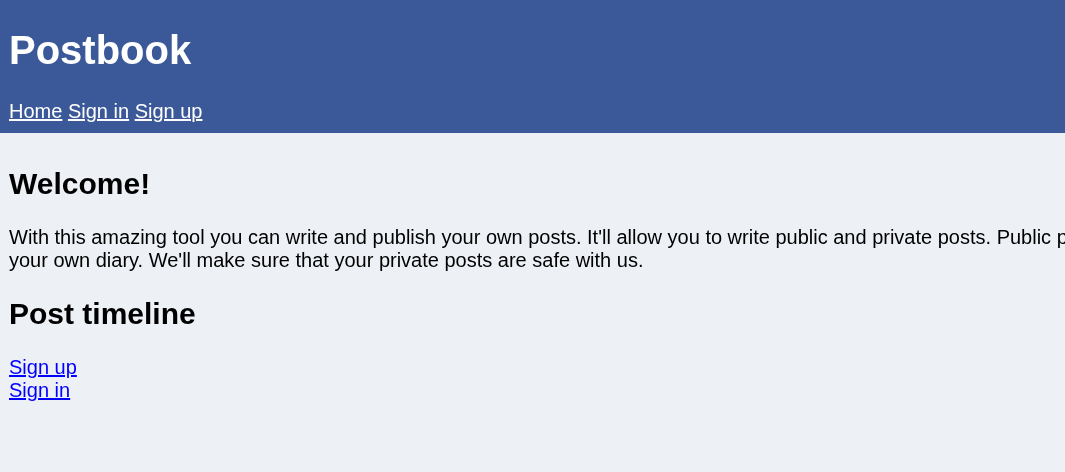
As we redirect to the page, it show a simple web site with just “Sign in” and “Sign up” features.
The first method I try was unauthorized access with SQL injection on sign in page.
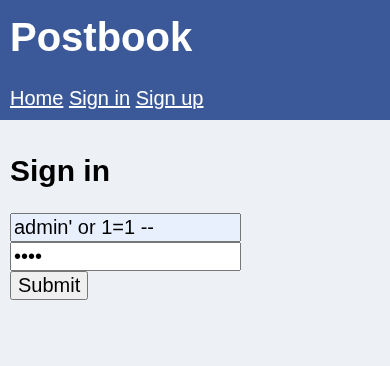
But it seem like it have protection on it.

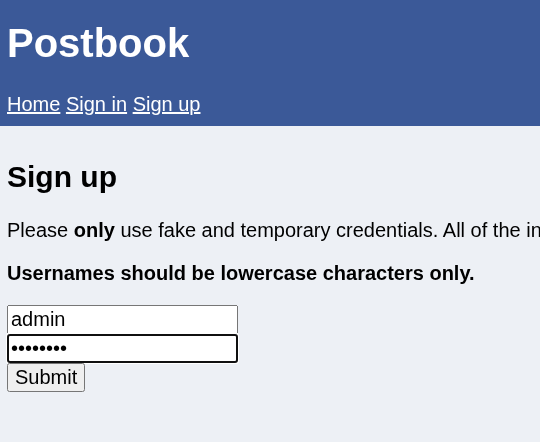
Next I sign up a account with admin as username with weak password.
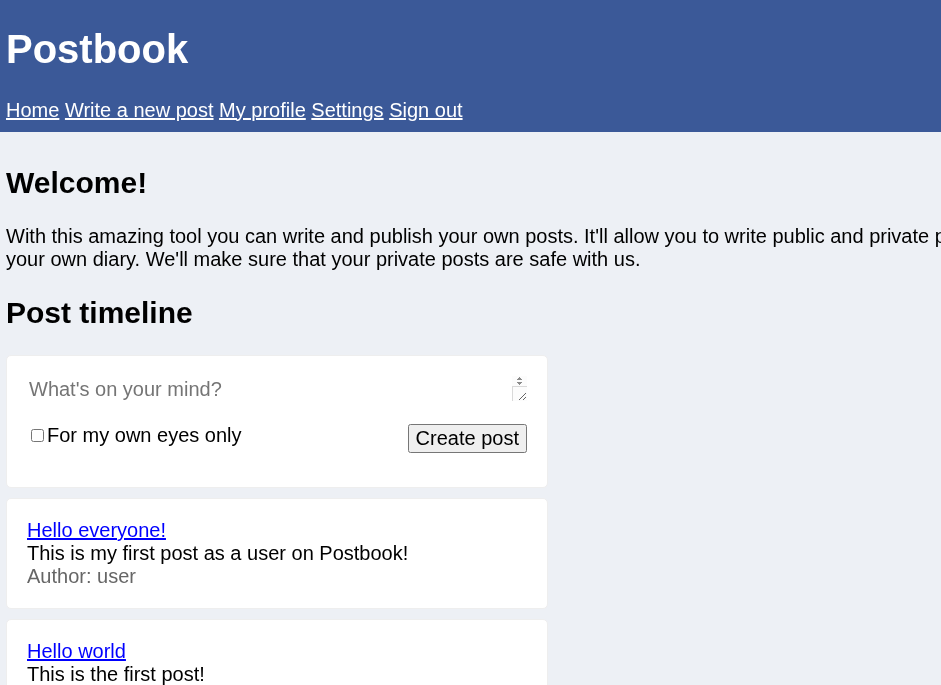
I able to log in with my account.
Flag 1
I click one of the post from “Post timeline”.
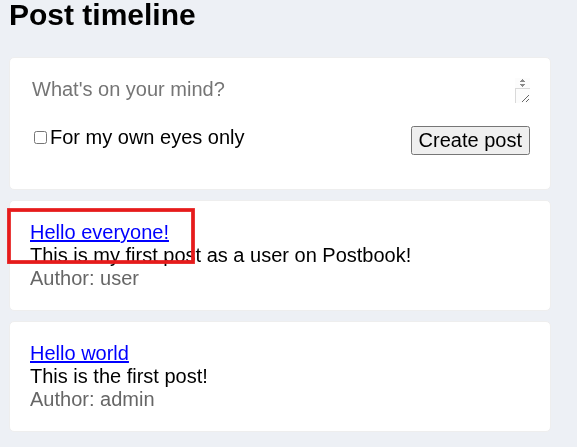
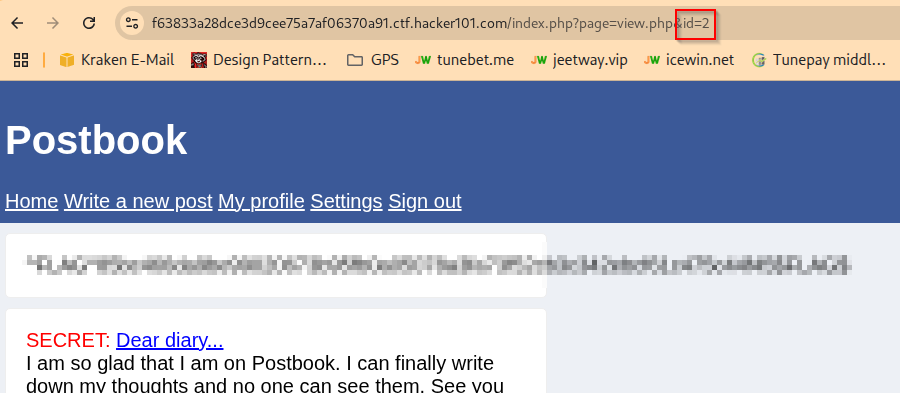
And found id=3 from the URL.

I try to input different id into the URL and found the flag in id 2.
Flag2
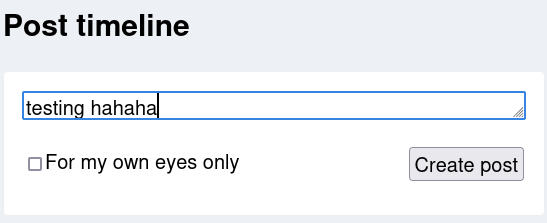
Now let turn on Burp Suite and play on the POST request. We are able to create new post from the home page.
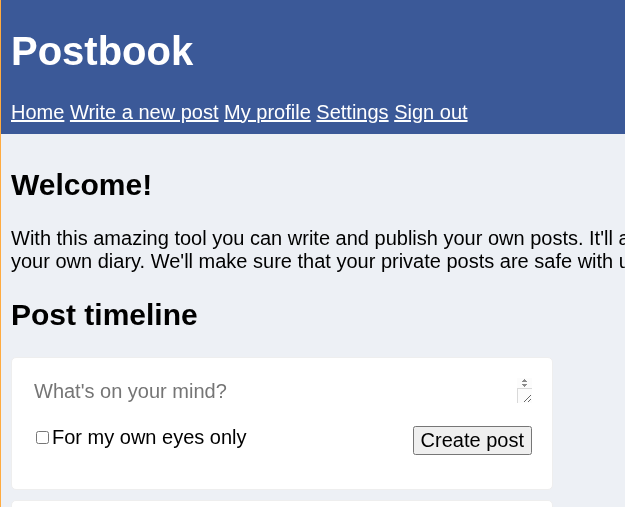
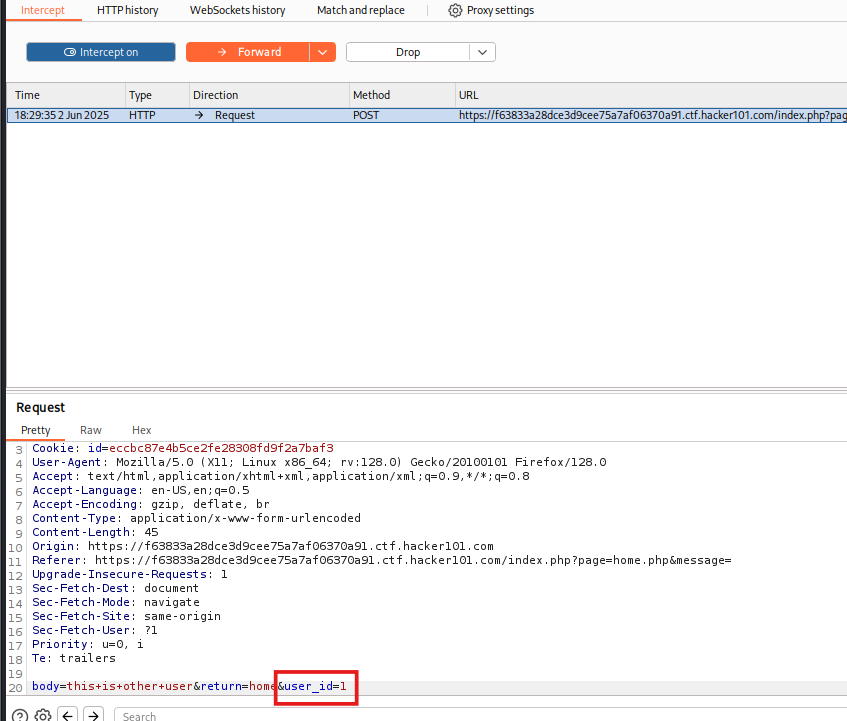
Let turn on the intercept and create a new post.
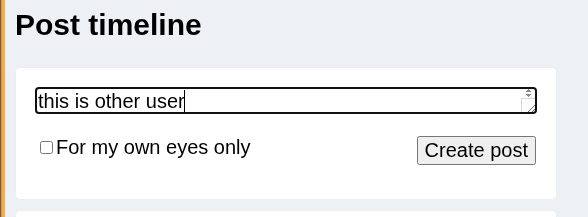
After I study the POST request, it put the user_id as part of the request to indicate who are the owner of this post. Let change to other user id and forward the request.
The flag will show on home page.
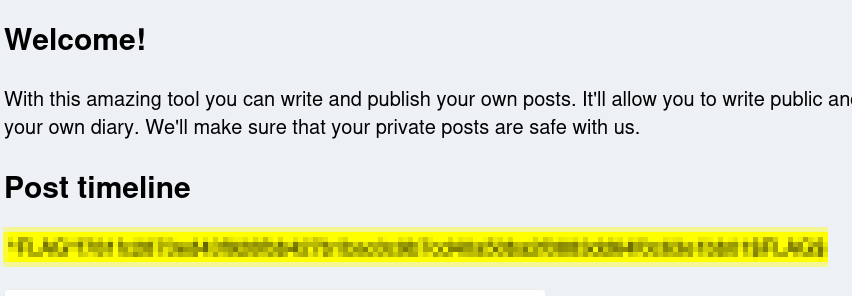
Flag 4
Let do the same thing for post edit request. First we create a post.
After created the post, we will able to see edit button on the post.
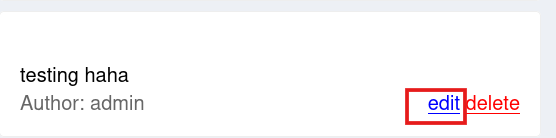
Click the button to edit the post.
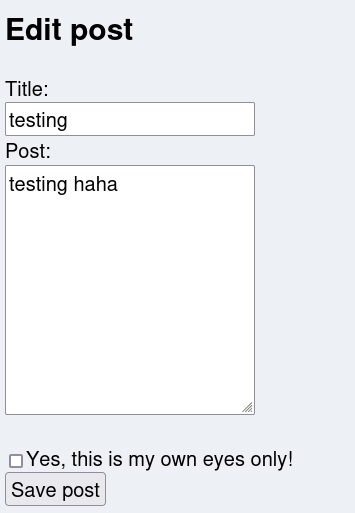
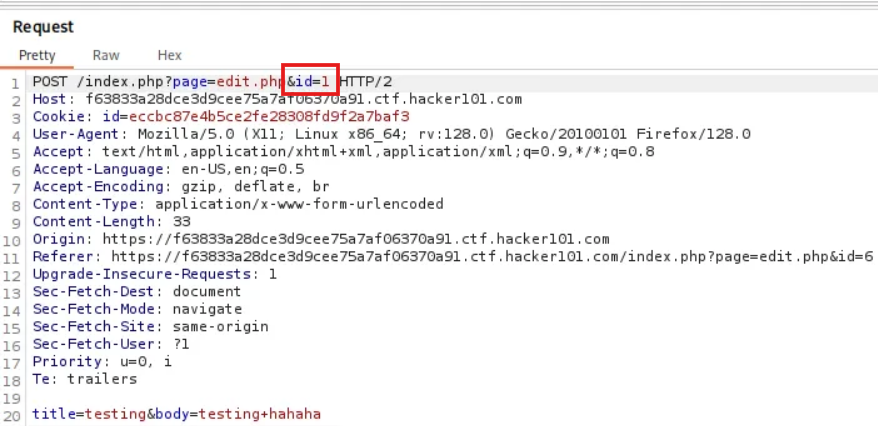
Before you click the “Save post” button, turn on Burp Suite and intercept the POST request. We can see that the id are not in the request payload but in the URL request. Modify the id to other id and forward the request.
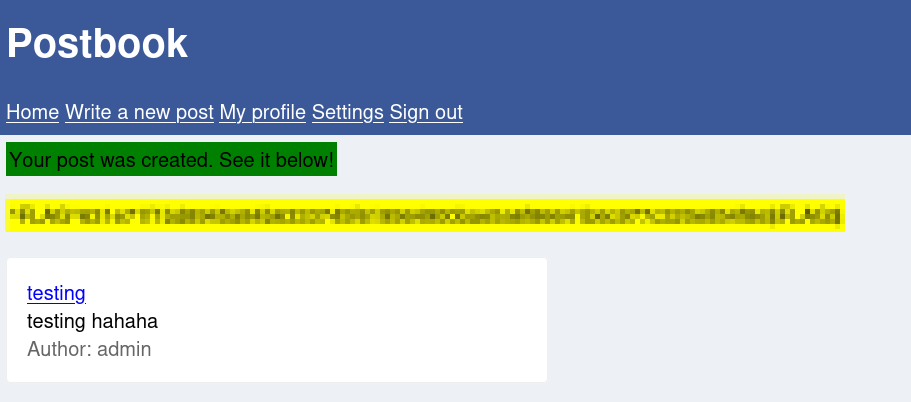
The flag will show on the page.
Flag 0
From the hint provided by Hacker101, this flag is related to a account name as “user”.

This hint state that the account have a weak password. I decide to manually test some of the password before I use any tools too brute force it.
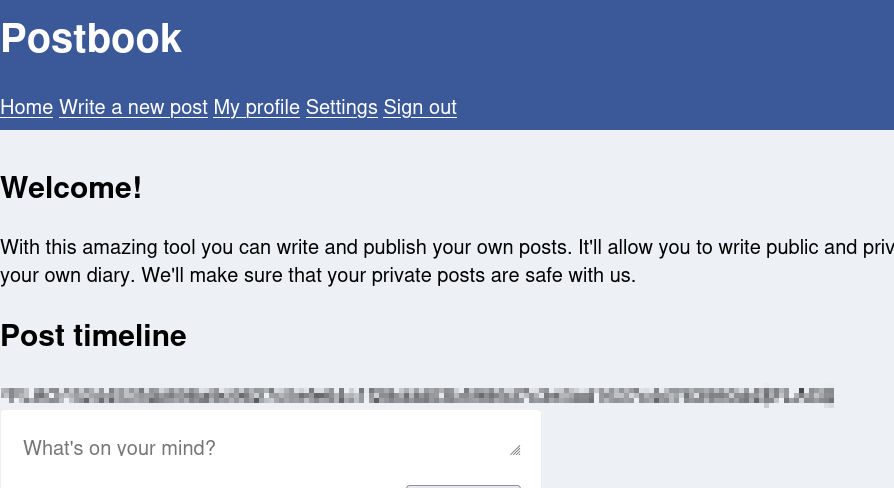
After few try with the top 10 popular weak password, I successfully login as “user.” And the flag is in the home page.
Flag 3
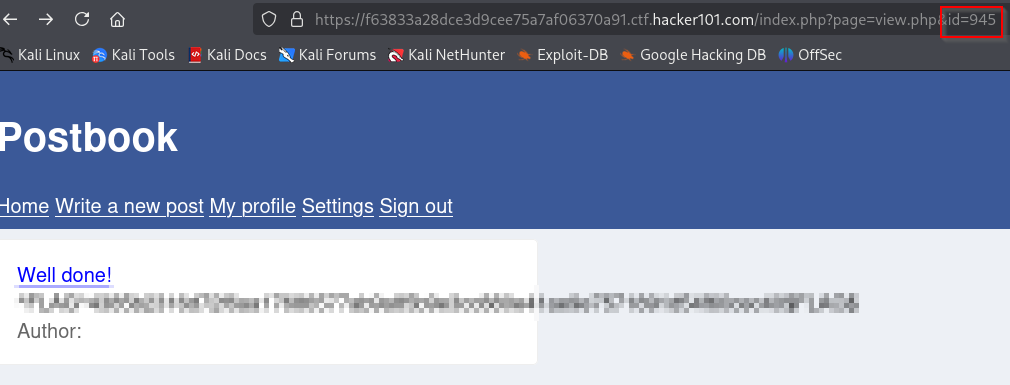
From this hint provided by Hacker101, we will get a number of 945.
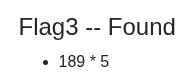
We will able to get the flag by search post related id 945.
Flag 5 & Flag 6
From the hint provided by Hacker101, it seem like related to section id store in cookie.

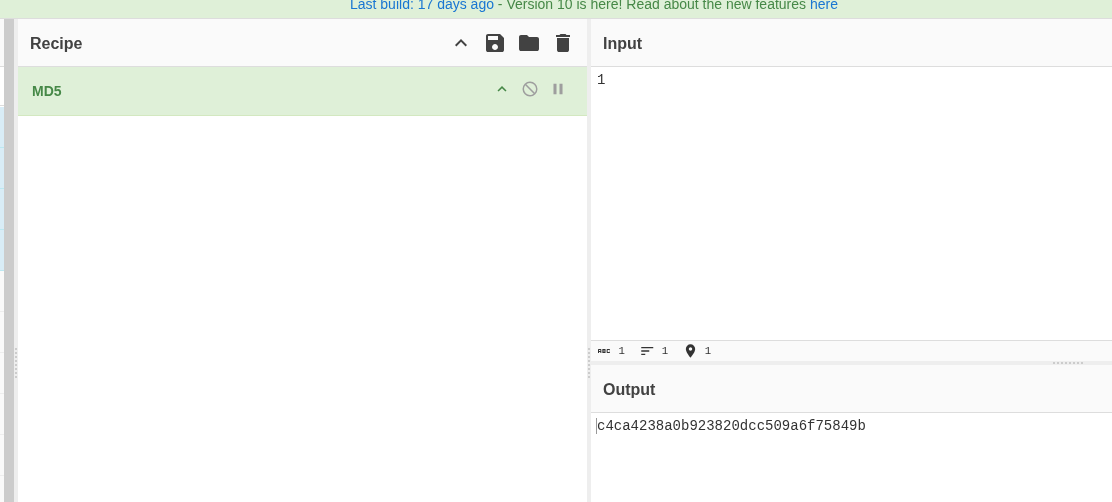
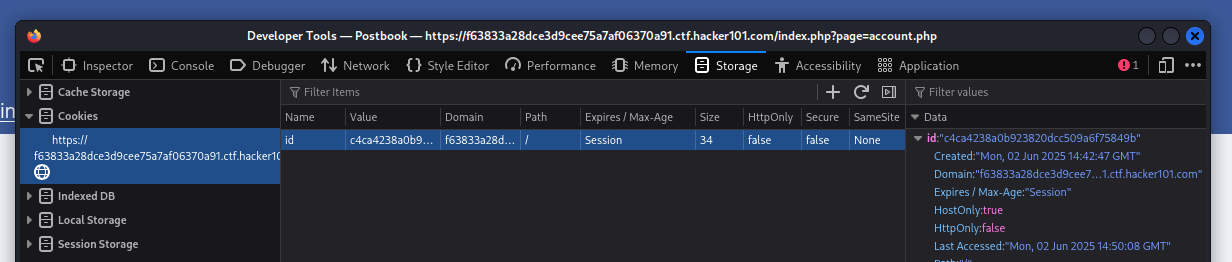
When we login into the web site, the server will assign a section id for us. And after some research, this section id is the user id hashed with MD5.

To log in as user with ID 1, we need to generate MD5 hash for digital 1 and replace the cookie in our browser.
We can use CyberChef to generate the MD5 hash.
And replace the cookie in browser on developer tools.
Flag 5 will show in home page.
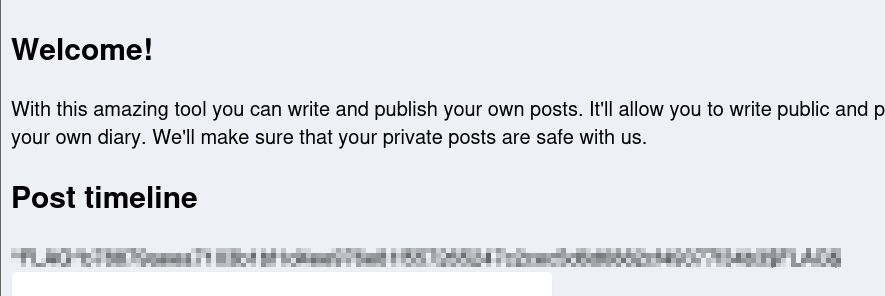
Flag 6 also the same, but you need to use your own account to delete other post that own by other user.
The post id had been MD5 hashed, you need to replace with the MD5 hashed post id you want to delete.
